What you'll find at King Shaka
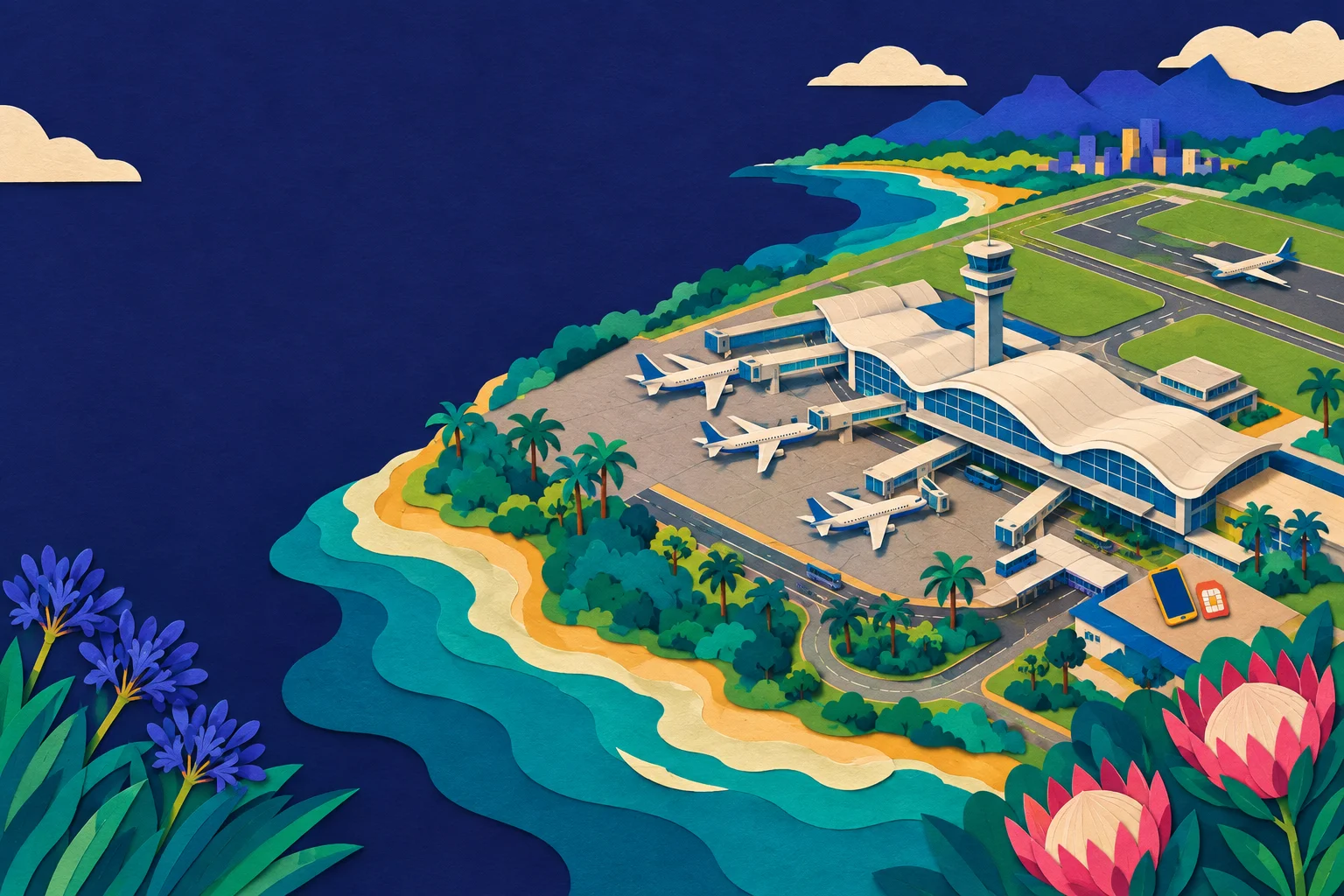
King Shaka International sits about 35 km north of central Durban, near La Mercy. It is a single, modern terminal, and the arrivals level is where you will find the usual airport services: currency exchange, car hire desks, a small cluster of shops and the mobile network counters.
The airport serves the whole Durban metro area, the KwaZulu-Natal south and north coasts, and the gateway to the Drakensberg and the game reserves of Zululand. Most travellers arriving here are heading to the Golden Mile, the beaches of Umhlanga and Ballito, or straight out on a road trip. If that is your plan, see our guide to Durban for how the city fits together.
Buying a SIM at the airport
South Africa has four main mobile networks: Vodacom, MTN, Cell C and Telkom. All four sell prepaid SIMs, and you will find operator counters or kiosks in the arrivals hall at King Shaka, alongside the currency and car hire desks.
Two things to know before you queue:
- You need your passport. South African prepaid SIMs must be registered (RICA) in your name. The shop will scan or copy your passport and enter your details on the spot.
- The process takes time. Registration, topping up and testing the SIM can easily take 20 to 40 minutes at a busy arrivals hall, and longer if there are several flights in at once.
Prices and data bundles change, so treat any figure you see quoted online as indicative rather than fixed. The real cost of an airport SIM is usually the time, not the money. For a fuller comparison of the four networks and what each is good at, see Vodacom, MTN, Cell C or Telkom: buying a SIM in South Africa.
Why an eSIM is often the simpler choice
An eSIM is a digital SIM built into most phones made in the last few years. You buy a plan online, receive a QR code by email, scan it, and the plan installs on your phone. There is nothing to collect at the airport and no counter queue.
The practical advantages on arrival at King Shaka:
- You are online as soon as the plane lands and you switch the eSIM on.
- Your home SIM stays in the phone, so your usual number still works for calls and messages.
- No passport registration, no shop visit, no waiting.
If you are new to eSIMs, start with What is an eSIM? How it works, which phones take one, and what it changes on a trip and then check eSIM QR code: how to scan it and what to do for the setup steps. Not every phone supports eSIM, so confirm yours on the compatibility page before you buy.
Physical SIM or eSIM: a quick decision table
| Your situation | Better choice | Why |
|---|---|---|
| Landing at King Shaka and want data immediately | eSIM | Active on landing, no queue |
| Staying two weeks or more and want a local number | Physical SIM | Local calls and a South African number |
| Phone does not support eSIM | Physical SIM | Only option |
| Travelling on to another country afterwards | eSIM | Easier to add a second plan without swapping cards |
| Want to keep your home number active for calls | eSIM | Home SIM stays in the phone |
If you are weighing the two properly, eSIM or physical SIM: which one do you need? walks through the trade-offs.
Coverage around Durban and beyond
Durban and the KwaZulu-Natal coast have good mobile coverage on all four networks. Coverage thins out as you move inland towards the Drakensberg and into the more remote parts of Zululand, and it can be patchy in the deep valleys of the interior. If your trip includes a safari, check what to expect before you rely on signal: South Africa network coverage: which network reaches where sets out the regional picture.
If you are also visiting Kruger or another park, Kruger National Park Wi-Fi and mobile signal: what to expect is worth reading before you go, since park coverage is its own story.
Data: how much do you actually need?
For a typical Durban trip, a few gigabytes will cover maps, messaging, ride-hailing and the odd photo upload. If you plan to work remotely, stream video or use the phone as a hotspot, budget more. How much data do I need for a trip? has a simple way to estimate it.
What to sort before you fly
A short checklist:
- Check your phone supports eSIM (or plan to buy a physical SIM on arrival).
- Buy your plan before you fly, so it is ready on landing.
- Save the QR code somewhere you can reach without data.
- Keep your passport handy if you are buying a local SIM.
- Download offline maps for the Garden Route or the Drakensberg if you are driving.
If you are driving, our guide to driving in South Africa: licences, tolls and petrol stations covers the practical side, and South Africa plug type, sockets and voltage tells you what adapter to pack.
If something goes wrong
The BaobabSIM help centre covers installation, activation and troubleshooting step by step. If you have already ordered and need to check the status, use order lookup. Both are linked from the store.
The short version
King Shaka is an easy airport to arrive at, and buying a SIM there is possible but slow. For most travellers, an eSIM bought before departure is the smoother route: online on landing, home number intact, no registration queue.
Ready to sort your data before you fly? Buy the South Africa eSIM in the South Africa store on baobabsim.com.