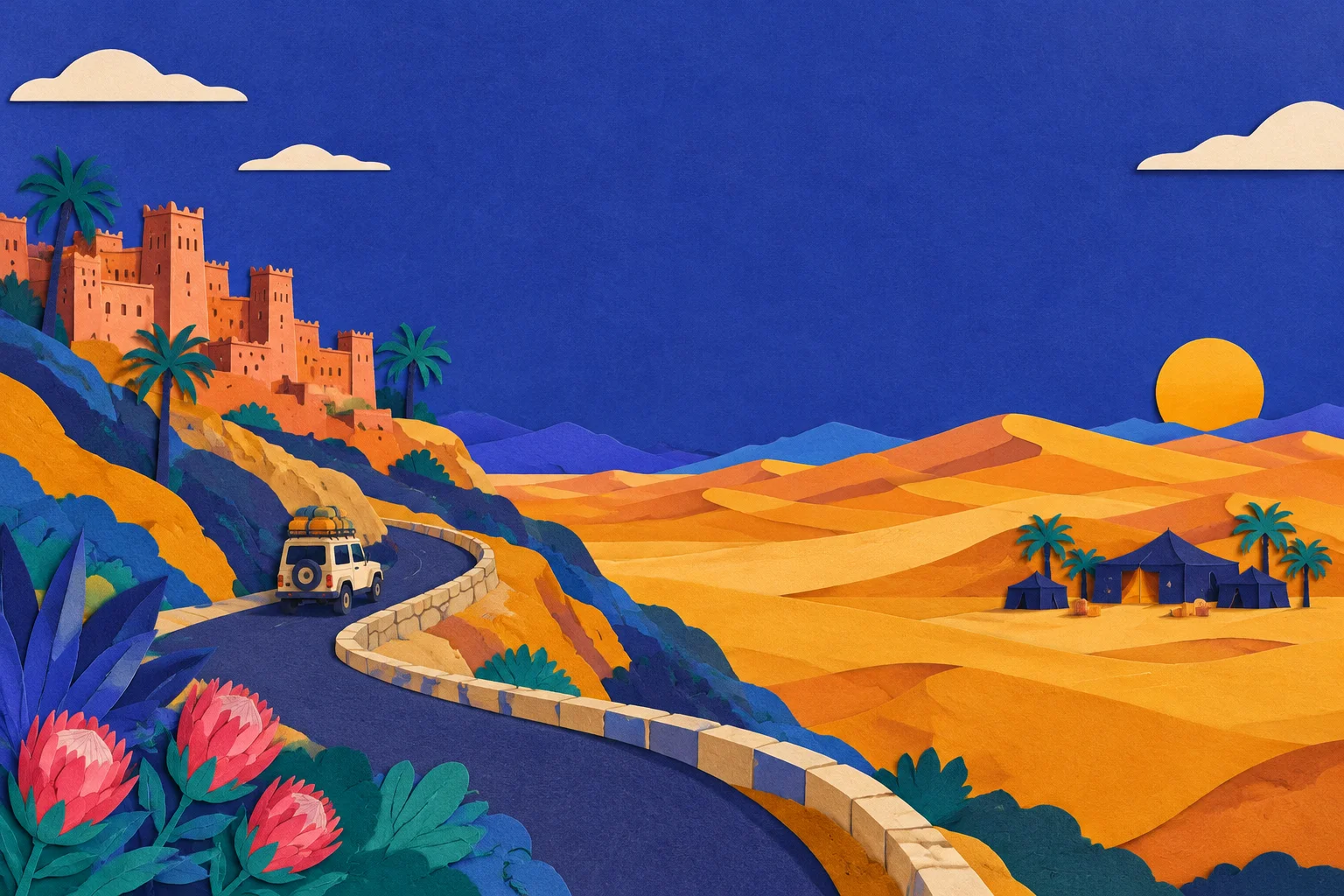
Town, road and camp are three different environments
The error most travellers make is treating "Merzouga" as one place. It is really three, and your connection changes at each.
- The town and the hotels on the edge of the dunes. This is where you have the best chance of a normal mobile data connection, and where you should do anything that needs bandwidth: messaging family, downloading boarding passes, saving maps, uploading photos.
- The road in. The drive from Rissani or Erfoud towards Merzouga passes through open desert with small settlements. Signal comes and goes. You may have a usable connection for much of it, but do not plan a call around it.
- The camp itself, inside Erg Chebbi. This is the environment you cannot assume anything about. Some camps have Wi-Fi, some do not. Some have it in a communal tent only. Some have it in the tent but only when the generator is running.
That is why the useful question is not "is there internet in the Sahara?" but "what does my camp actually have, and what do I need to do before I leave the town?"
What to ask your camp, in writing
Send these questions by email or WhatsApp when you book, or at least the day before. A written answer is easier to rely on than a promise made at the pickup point.
| Question | Why it matters |
|---|---|
| Is there Wi-Fi at the camp? | Yes or no, and if yes, where — reception, communal tent, or your tent |
| Is it mains power or a generator? | Generator hours mean the Wi-Fi only works in those hours |
| What are the power hours? | Tells you when to charge your phone and when to send messages |
| Can I charge a phone in my tent? | Some camps offer charging in the communal area only |
| Is there a signal for calls at the camp? | Voice calls and data are different questions |
| What time is pickup, and from where? | The pickup point is where your last reliable connection happens |
| How do I reach you if the pickup is late? | You need a number saved offline before you leave |
If the camp answers "no Wi-Fi", that is not a problem — it is information. It tells you to finish everything in town.
Save the pickup and return details before you go
This is the step people skip, and it is the one that causes real stress.
Before you leave the town or your hotel:
- Save the camp's phone number in your contacts, not just in a chat thread.
- Screenshot the pickup details — time, meeting point, driver name, vehicle description if you have it.
- Screenshot your booking confirmation with the camp name and the dates.
- Save an offline map of Merzouga, the camp area and the route back.
- Tell one person at home which camp you are staying at and when you expect to be back in range.
None of this needs a connection at the camp. It needs ten minutes in the town.
Plan the overnight as an offline stretch
Assume the camp night is offline, and you will never be disappointed. If the camp turns out to have working Wi-Fi, that is a bonus.
What that means in practice:
- Download before you go: maps, any tickets or transfers for the next day, a podcast or two, and anything you want to read.
- Send the "I'm here, all fine" message from the town or the road, not from the tent.
- Charge everything — phone, power bank, camera — while you still have mains power.
- Keep a power bank for the night and the drive out.
- Turn off background sync on photos and email for the evening. It drains the battery chasing a signal that is not there.
A night in the dunes is better without a screen anyway. The point is to make that a choice rather than an accident.
Buy data for the connected stages
Your data needs on this trip are concentrated in the town and the road, not the camp. That is exactly what a Morocco eSIM is for.
A BaobabSIM Morocco eSIM is data-only and runs on Orange Maroc's network as a local line rather than as a roaming visitor, so your phone connects as a Moroccan line rather than through your home operator's roaming agreement. You install it at home on Wi-Fi and switch it on when you land. For a Merzouga trip, the plans on that page are the ones to compare:
| Plan | Validity | Best for |
|---|---|---|
| 1 GB | 7 days | A short trip where you mostly use hotel Wi-Fi |
| 2 GB | 15 days | A one- to two-week trip with town and road use |
| 3 GB | 30 days | A longer trip, or heavier map, photo and messaging use |
Prices and plan details move; check the current figures on the Morocco eSIM store page before you buy. If you are still deciding how much you need, our guide to how much data you need for a trip walks through the arithmetic.
Two related reads if you are planning the wider route: our Morocco network coverage guide explains how the three Moroccan networks differ region by region, and the Merzouga and Sahara guide covers the dunes themselves. If you are arriving by air first, the Marrakech Airport SIM card guide sets out what is available on arrival and what to do instead.
A short checklist for the day you leave the town
- Camp Wi-Fi question answered in writing
- Power and charging hours confirmed
- Camp phone number saved to contacts
- Pickup details screenshotted
- Offline maps downloaded
- Phone and power bank fully charged
- "Heading to the camp" message sent
- eSIM installed and switched on
Once those are done, the overnight stay can be exactly what it should be.
If you lose your order link
Your eSIM order link arrives by email. There is no public order lookup page, so if you cannot find it, check your spam folder first, then contact the help centre with your order details. The help centre also covers installation, activation and troubleshooting if the eSIM does not connect when you land.