
The short version
Morocco is well covered by three networks — Maroc Telecom, Orange and inwi — and both routes to data work: a physical SIM bought locally, or an eSIM installed before you travel. The question is which one suits your trip.
A physical SIM means a stop at a counter or shop, a passport check, and a plan you may need to top up later. An eSIM means no shop, no queue, and one less thing to do on arrival. For a short trip, a multi-city itinerary, or anyone landing late, the eSIM is usually the better trade.
What a local SIM card in Morocco involves
Walk into any Maroc Telecom, Orange or inwi shop — or an airport counter — and you can buy a prepaid SIM. Expect to show your passport, since Moroccan SIM registration is tied to ID. Airport counters are convenient but often priced higher than city shops; city shops are cheaper but need a trip into town during opening hours.
Once the SIM is in, you top up with credit or a data bundle. That is straightforward in a shop, less so if you are moving between cities and relying on a corner kiosk with limited English. If your trip is short, the time cost of all this can outweigh the saving.
If you specifically want to compare the two routes in detail, our guide to eSIM vs physical SIM walks through the trade-offs.
What a Morocco eSIM involves
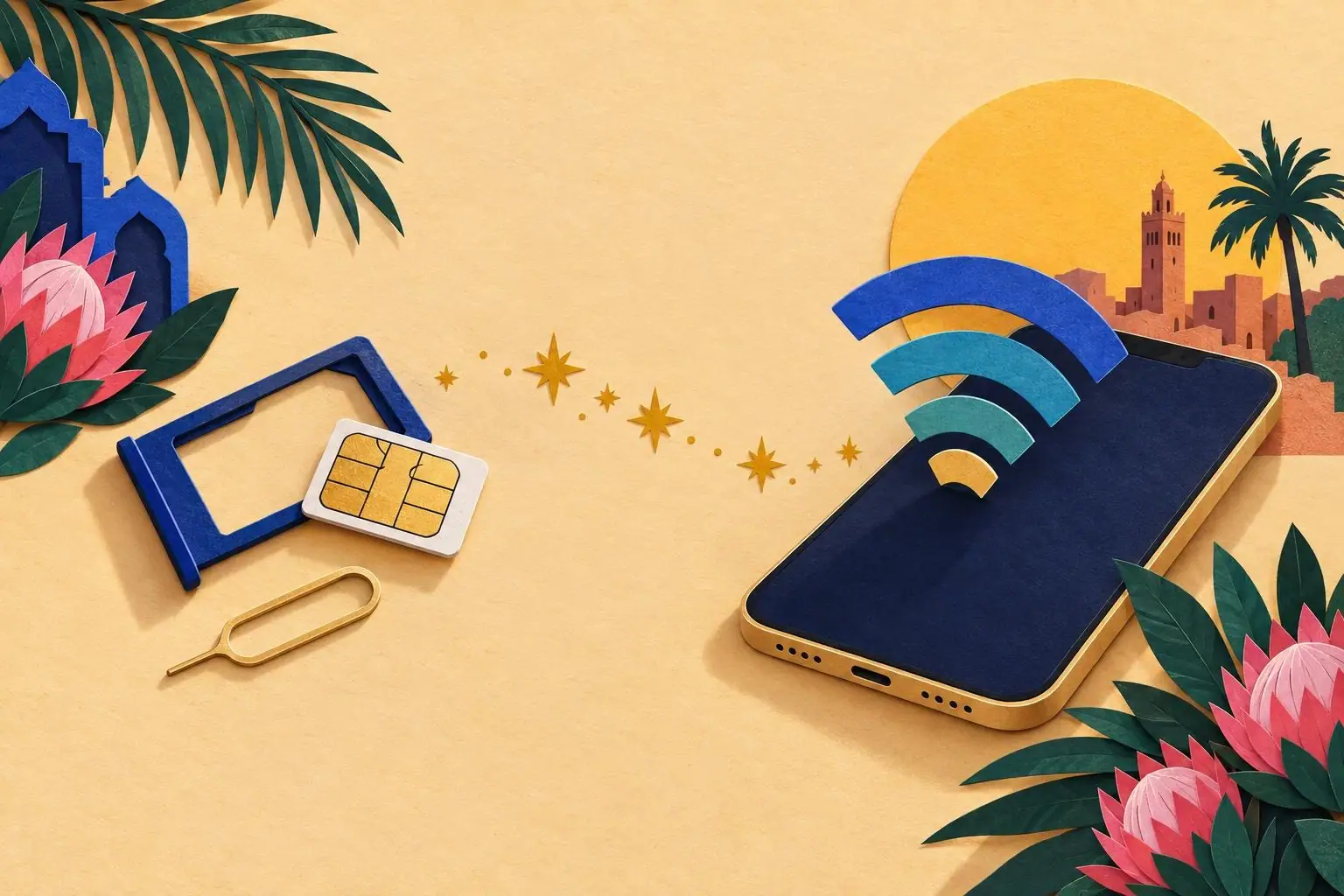
An eSIM is a digital SIM profile. You buy it online, receive a QR code by email, scan it, and the plan sits on your phone alongside your home SIM. When you land in Morocco, you turn the Morocco line on and your home line off for data — your usual number still receives calls and messages if you want it to.
That is the whole setup. No shop, no passport photocopy, no queue at arrivals. If you have never done it, what is an eSIM explains the mechanics, and eSIM QR code covers scanning and what to do if the code does not take first time.
Which one should you buy?
| Your situation | Local physical SIM | Morocco eSIM |
|---|---|---|
| Landing late at night | Shop closed | Works on landing |
| Trip of 3–7 days | Setup time is a real cost | Install before you fly |
| Multi-city trip (Marrakech, Fes, Sahara) | Top-ups along the way | One plan, no top-up admin |
| Staying a month or more | Often cheaper per GB | Convenient, but check plan size |
| You need a Moroccan phone number | Yes | Data-first; check the plan record |
| You want to keep your home number active | Dual-SIM possible | Dual-SIM by design |
For most short trips, the eSIM column wins on time. For long stays with heavy data use, a local SIM can still make sense — and there is no reason you cannot do both.
Coverage: what to expect
Morocco's three networks cover the cities, the main tourist routes and most of the coast well. Coverage thins in the deep desert, in mountain passes, and in some rural stretches between towns. That is true of every network, not just one.
If you want the region-by-region picture — Marrakech, Fes, the Rif, the Atlas, the Sahara — our Morocco network coverage guide breaks it down. For a specific trip, Dakhla and Todra Gorge both have their own connectivity notes.
Data: how much do you need?
Most travellers use far less than they fear. Maps, messaging, a few photo uploads and the occasional booking add up to roughly 500 MB to 1 GB a day for typical use; heavier use — video calls, streaming, hotspotting a laptop — pushes higher.
Our how much data do I need guide has a simple calculator. As a rule: a 5 GB plan covers a comfortable week for one traveller; 10 GB covers two weeks or heavier use. Pick the plan that matches your trip length and buy it in the Morocco store.
Buying the Morocco eSIM
The Morocco eSIM is sold in its own country store on baobabsim.com. Open the Morocco eSIM store, choose the plan size that matches your trip, and check out. Your QR code arrives by email — scan it before you fly, or at the airport, and it is ready when you land.
If you are combining Morocco with Egypt or South Africa on one trip, our Africa eSIM guide explains when a single multi-country plan makes sense and when separate country plans are the better buy.
If something does not work
Two things go wrong most often. First, the eSIM is installed but data is still going through the home SIM — check that the Morocco line is set as the data line and that data roaming is on for that line only. Second, the QR code will not scan — usually a screen brightness or angle issue; the help centre covers the fix.
Our help centre has installation, activation and troubleshooting guides, plus a phone compatibility page so you can confirm your handset takes an eSIM before you buy. If you have lost the email with your order link, the help centre is also where to go — there is no public order lookup page, and per-order links arrive by email.
Arriving at Marrakech or another airport
If you land at Marrakech Menara and still want to weigh up the airport option, our Marrakech Airport SIM card guide covers where the counters are, what they charge and what to do instead. The short answer: the counters are there, they work, and they cost more than buying before you fly.
For a day trip out of Fes, Meknes and Volubilis shows how a working eSIM changes a long day out — maps, tickets and a ride back, all without hunting for Wi-Fi.
The bottom line
Both routes work. The local SIM is fine if you have time and want a Moroccan number. The eSIM is faster to set up, needs no shop visit, and lands with you. For most travellers to Morocco in 2026, that is the simpler choice.